
01
Open Zori
Install the Android app. There’s no account to create and no profile to fill out.
Fewer settings. More simplicity.
Connect in a tap —
no account, no extra steps.
Android 8.0 and later · English & Russian
The server and connection settings take care of themselves. You stay in charge of what matters.
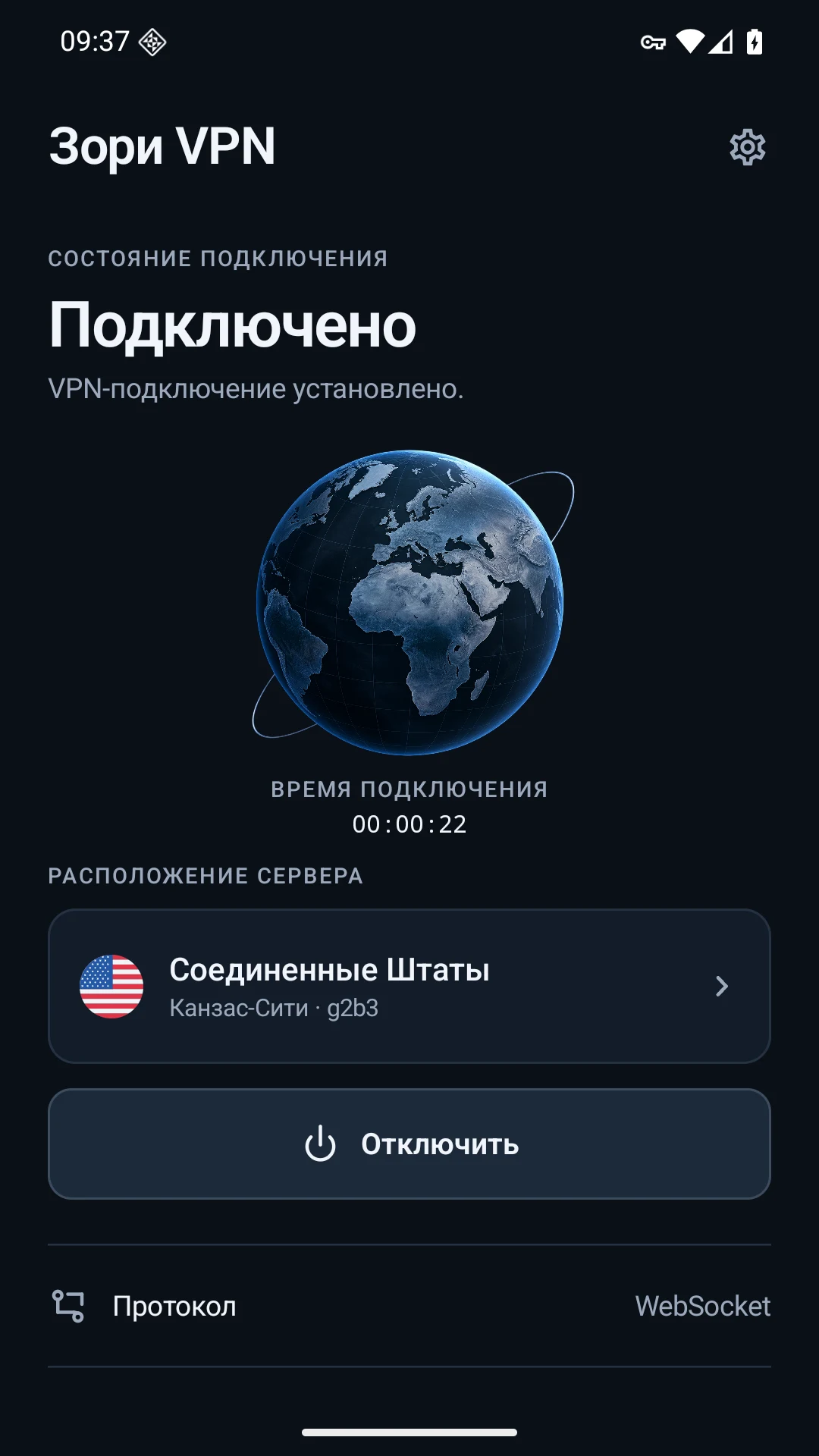
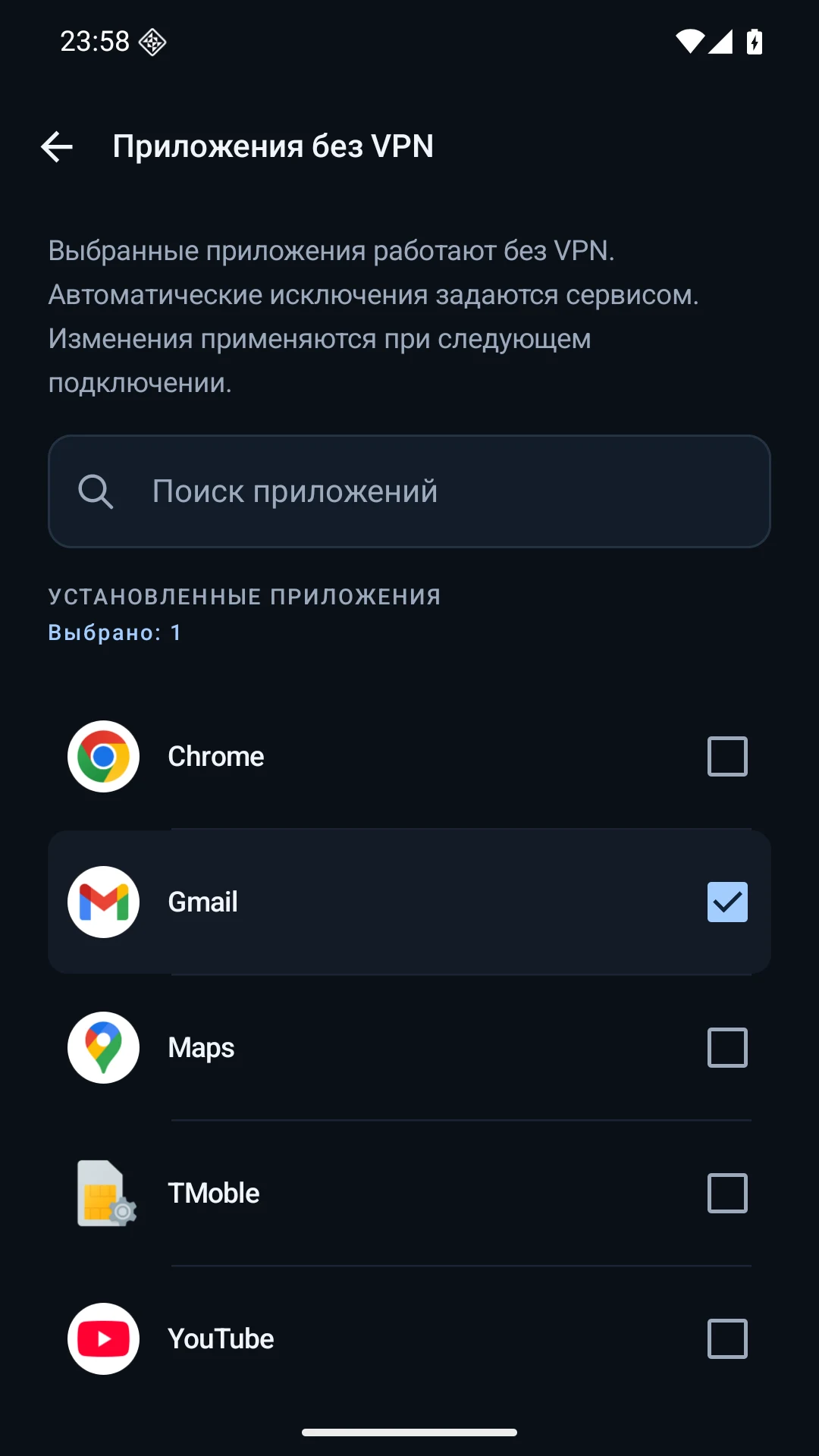
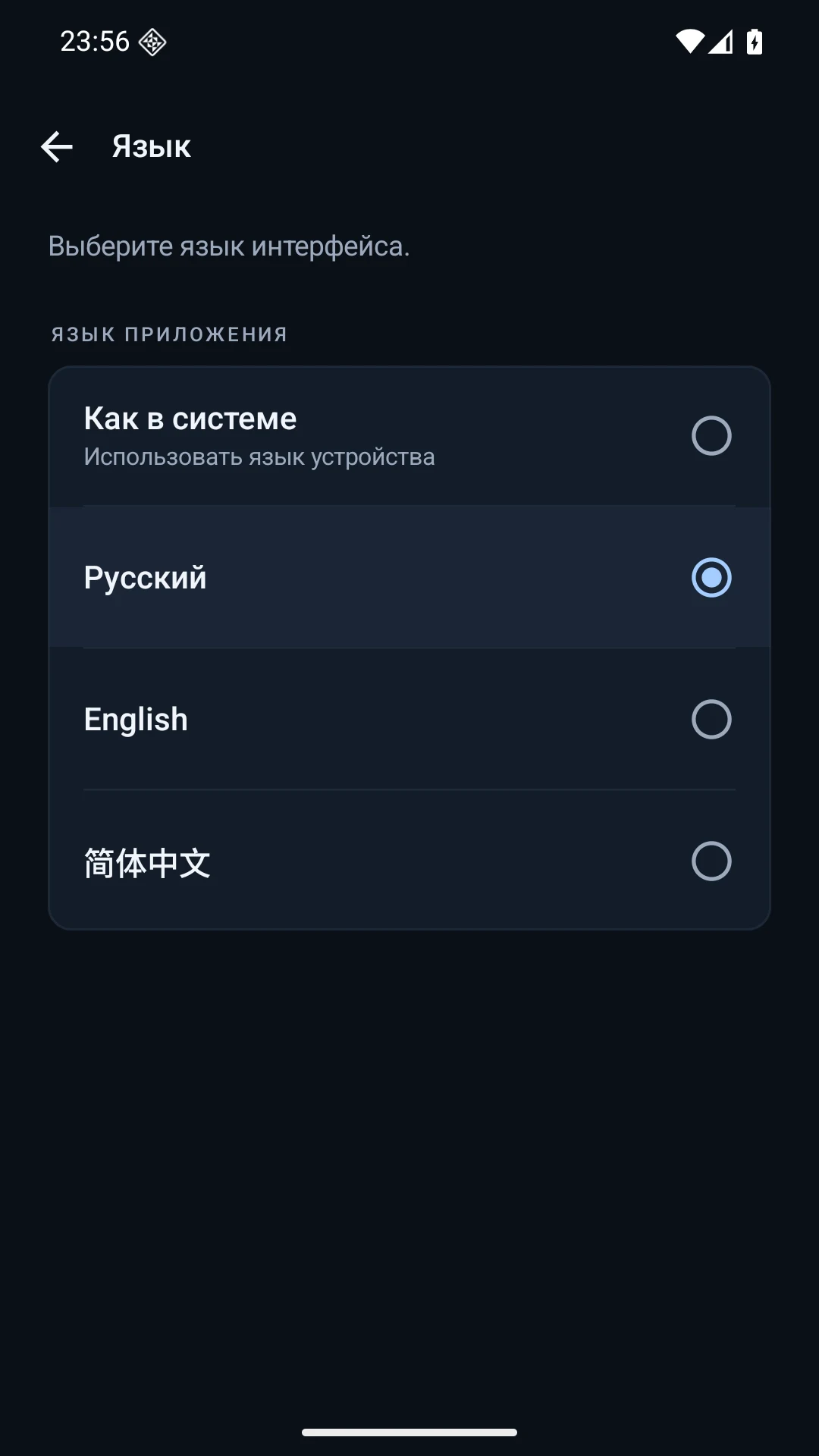
Actual app screens, shown in Russian.
Locations and apps depend on the server and device.
Install the Android app. There’s no account to create and no profile to fill out.
Tap Connect and confirm Android’s system request to establish a VPN connection.
Zori selects an available server. Check your connection status or disconnect whenever you like.
Switching from Wi-Fi to mobile data? After a brief interruption, Zori attempts to restore the connection automatically.
If recovery fails, check your internet connection and connect again. Availability depends on your network.
Wi-Fi

Mobile data
A few useful things to know
before you connect.
No. You don’t need to create an account to connect. Android only asks for system VPN permission the first time you start a connection.
Zori automatically selects an available server and connection settings. You can browse locations and search by country or city. No manual protocol setup is needed.
Yes. Select them in App bypass. The service also defines automatic exclusions. Changes take effect the next time you connect.
Zori attempts to recover after a brief interruption. If those attempts fail, it stops the VPN. Check your internet connection and connect again. There is no persistent network block after the VPN disconnects.
Zori is designed for Android 8.0 and later on ARM64 devices. The interface is available in English, Russian and Chinese. There are no iOS or desktop versions yet.
Install Zori VPN from official sources.
Install Zori VPN from official sources.
Install Zori VPN from official sources.